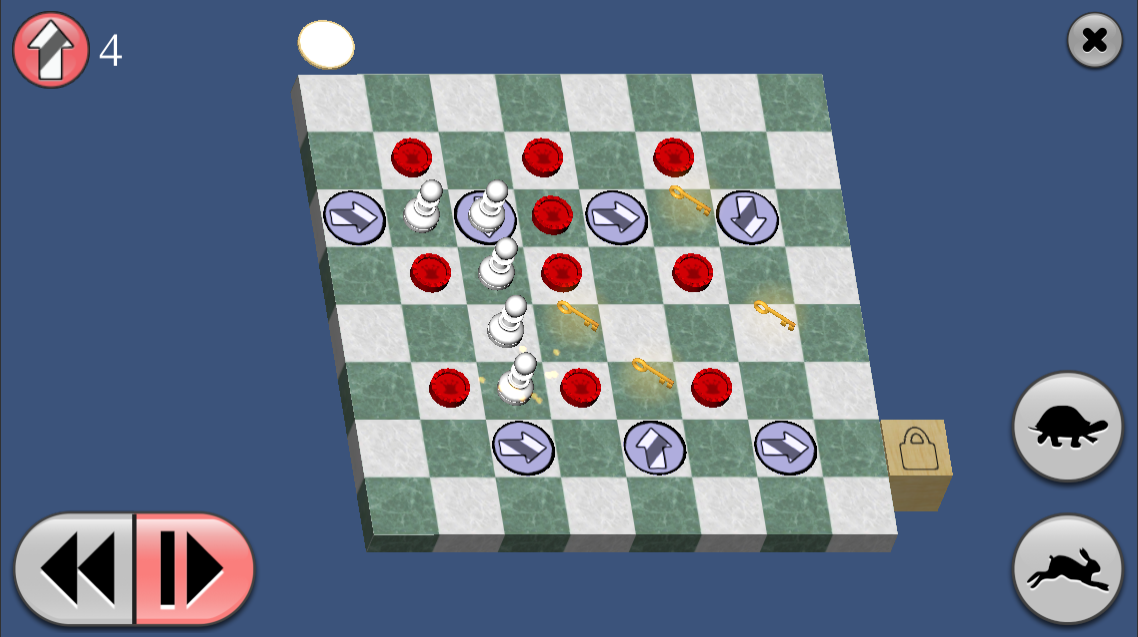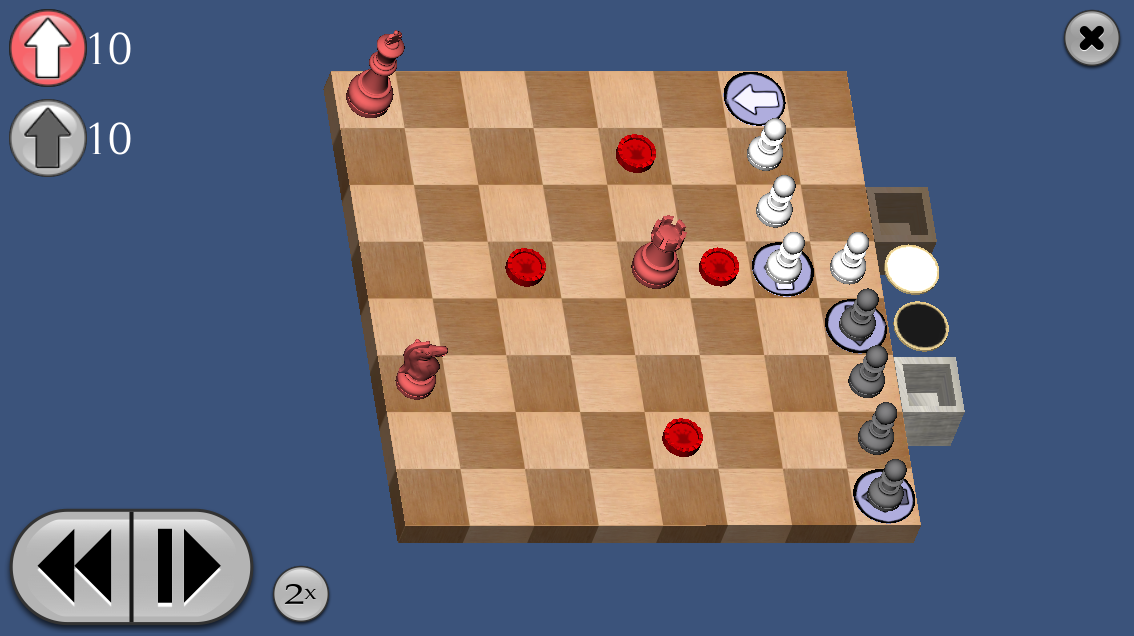
Pawns! for iOS is FREE until January 2nd, 2012
Pawns! for iPhone/iPad is available for free until January 2nd, 2012. It's part of the New Year's App Blowout, along with 24 other free and discounted apps. Tell your friends!
Links:
Pawns! home page
Download it here
Pawns! 1.1.2 released, price lowered
Pawns! 1.1.2 is now available in the App Store. This is a bugfix release to address the problem with seeing arrows properly on iPad 2's. (And my thanks to Jesse Holden for designing yet another nifty icon for me!)
I've lowered the price of Pawns! to $0.99 USD. And of course, Pawns! Lite is still available for free, featuring the tutorial plus a generous selection of levels from the full game.
Links:
Pawns! home page
Buy it here
OpenFeint and Unity 3.3, iOS SDK 4.2
Developers seem to be having quite a few problems trying to integrate the latest versions of OpenFeint (2.8, 2.9) with their Unity 3 iOS games. See the following for some discussions of the problems:
Unity Forum: OpenFeint-iOS-2.9-problems
Unity Forum: my-iPhone-application-is-getting-crash
Answers.Unity3d: crash-at-first-launch-with-openfeint.html
To save time as I try to put out a bug-fix for Pawns, I decided to stick with OpenFeint 2.7.5.
However, I ran into some of the problems people had with later versions of OpenFeint. Specifically, the app was crashing with one of the following errors when I closed the OpenFeint dashboard to return to the game:
mi_cmd_stack_list_frames: Not enough frames in stack.
or:
[CAMediaTimingFunctionBuiltin deactivate]: unrecognized selector sent to instance
So apparently the upgrade to Unity 3.3 and/or iOS SDK 4.2 is where this problem started, not because of changes to OpenFeint. The solution, as reported by developers using later versions of OpenFeint, was to comment out calls to UnitySetAudioSessionActive in the dashboardWillAppear, dashboardDidDisappear methods in AppController+OpenFeint.mm:
// OpenFeintDelegate // - (void)dashboardWillAppear { unityPaused = YES; //UnitySetAudioSessionActive(false); UnityPause(true); } - (void)dashboardDidDisappear { unityPaused = NO; //UnitySetAudioSessionActive(true); UnityPause(false); }
Another symptom I noticed was that when my game was exited under iOS 4 and then brought back to the foreground, the game would appear but then immediately quit (though iOS still listed it as running for some reason.) Bringing it forward a second time would basically run it over from scratch. I concluded that it was crashing on resume, and the culprit was the same call to UnitySetAudioSessionActive, this time in two other delegates. Commenting those out fixed the issue:
- (void) applicationDidBecomeActive:(UIApplication*)application { printf_console("-> applicationDidBecomeActive()\n"); if (gDidResignActive == true) { //UnitySetAudioSessionActive(true); UnityPause(false); } gDidResignActive = false; [OpenFeint applicationDidBecomeActive]; } - (void) applicationWillResignActive:(UIApplication*)application { [OpenFeint applicationWillResignActive]; printf_console("-> applicationDidResignActive()\n"); // UnitySetAudioSessionActive(false); UnityPause(true); gDidResignActive = true; }
The fact that this problem apparently persists in OpenFeint 2.8 and 2.9 isn't good. I get the distinct impression that OpenFeint's Unity wrapper is not very well supported.
Pawns! and the iPad 2
I've just learned that Pawns! is not working properly on the iPad 2. The arrows that you place on the board cannot be seen properly, but instead are entirely black.
It continues to work on most, if not all, other iOS devices. I've tested many of them personally. Nonetheless, I've removed Pawns! and Pawns! Lite from the iTunes app store for the time being.
Pawns! Lite Released
![]()
Pawns! Lite is now available FOR FREE in the App Store.
It features tutorials, 10 puzzles, and 3 OpenFeint/Game Center Achievements from the full game, Pawns!
Links:
Pawns! Lite
Pawns! home page
Buy the full version here